Video File Size & Bitrate Calculator – Size ↔ Bitrate ↔ Duration
A video file size and bitrate calculator turns bitrate and duration into file size, or works backwards: the bitrate that fits a target size, or how many minutes fit in a given size. It uses size = bitrate × duration ÷ 8 and shows every step. Everything runs in your browser.
Runs entirely in your browser; nothing you type is sent to our server. GB and MB are decimal (1 GB = 1,000,000,000 bytes); GiB and MiB are binary (1 GiB = 1,073,741,824 bytes).
The formula, step by step
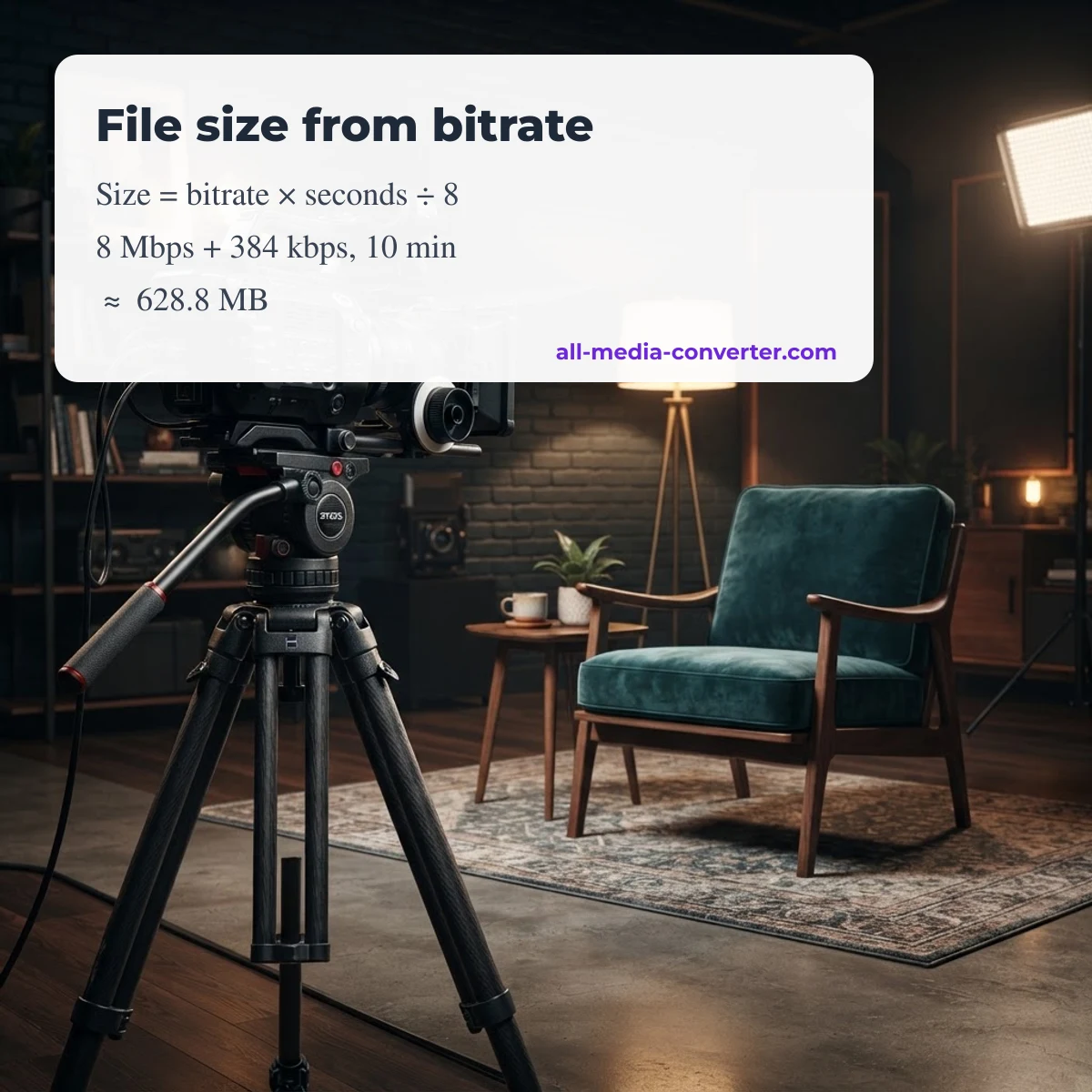
- Add video and audio bitrate to get the total bitrate in bits per second (1 Mbps = 1,000,000 bit/s; 1 kbps = 1,000 bit/s).
- Multiply by the duration in seconds to get bits.
- Divide by 8 to get bytes (8 bits = 1 byte).
- Divide by 1,000,000 for MB or 1,000,000,000 for GB; operating systems that show GiB divide by 1,073,741,824 instead.
Example: 8 Mbps video + 384 kbps audio for 10 minutes = 8,384,000 × 600 ÷ 8 = 628,800,000 bytes ≈ 628.8 MB. Bit rate and binary prefixes are explained on Wikipedia.
File size at YouTube's recommended upload bitrates
YouTube publishes recommended upload bitrates for SDR video (YouTube Help article «Recommended upload encoding settings», checked October 9, 2026). The table adds YouTube's recommended 384 kbps stereo audio and applies the formula above, without container overhead:
| Resolution | Frame rate | Video bitrate | Per minute | Per hour |
|---|---|---|---|---|
| 2160p (4K) | 24–30 | 35–45 Mbps | 265–340 MB | 15.9–20.4 GB |
| 2160p (4K) | 48–60 | 53–68 Mbps | 400–513 MB | 24.0–30.8 GB |
| 1440p | 24–30 | 16 Mbps | 123 MB | 7.4 GB |
| 1440p | 48–60 | 24 Mbps | 183 MB | 11.0 GB |
| 1080p | 24–30 | 8 Mbps | 63 MB | 3.8 GB |
| 1080p | 48–60 | 12 Mbps | 93 MB | 5.6 GB |
| 720p | 24–30 | 5 Mbps | 40 MB | 2.4 GB |
| 720p | 48–60 | 7.5 Mbps | 59 MB | 3.5 GB |
| 480p | 24–30 | 2.5 Mbps | 22 MB | 1.3 GB |
| 480p | 48–60 | 4 Mbps | 33 MB | 2.0 GB |
| 360p | 24–30 | 1 Mbps | 10 MB | 0.6 GB |
| 360p | 48–60 | 1.5 Mbps | 14 MB | 0.8 GB |
These are upload recommendations, not what viewers stream; YouTube re-encodes every upload. Your own export may be smaller if your editor uses variable bitrate.
Why the real file is a little different
- Variable bitrate (VBR): most encoders vary the bitrate scene by scene, so the average decides the size, not the peak setting.
- Container overhead: MP4 or MKV headers, indexes and subtitle tracks add a little; use the overhead box to allow for it.
- Extra audio tracks: each language or commentary track adds its own bitrate.
- Decimal vs binary units: a «1 GB» file shows as about 0.93 GiB in tools that count in binary.
Fitting a video under a size limit
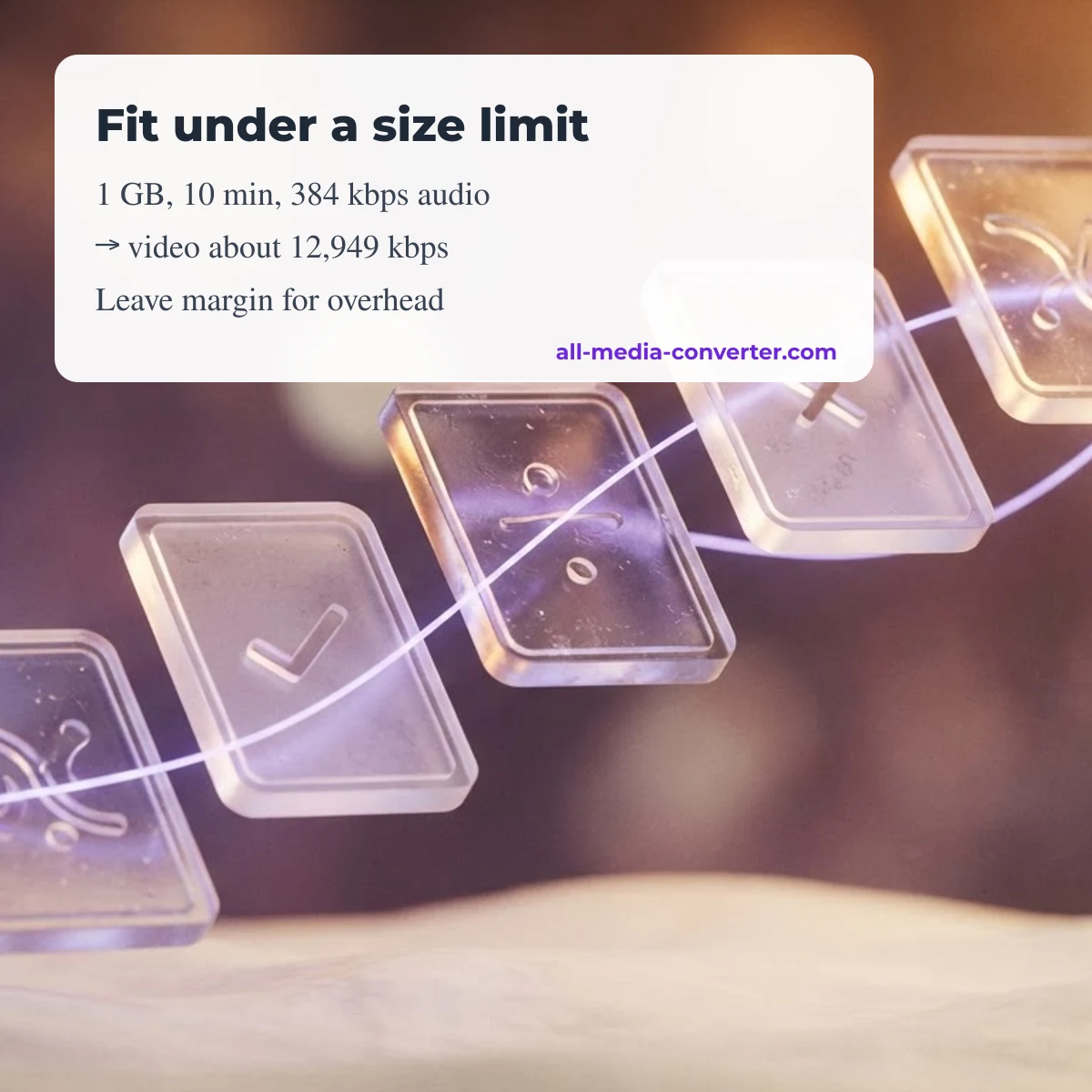
Switch to «Bitrate for a target size», enter the limit and the duration, keep the audio bitrate you need, and the calculator returns the highest average video bitrate that fits. Leave a small margin with the overhead box, then use that number as the target bitrate in a two-pass encode. If the result comes out very low for the resolution, shorten the clip or lower the resolution instead of starving the encoder.
More calculators
- Bitrate by codec: H.264 vs H.265 ranges, ProRes data rates and an audio bitrate calculator.
- Streaming bitrate calculator: check your upload speed against OBS, Twitch and YouTube Live settings.
About this calculator
All Media Converter is an independent calculator site: it does not convert or download files, does not remove DRM and is not affiliated with any software vendor. Read about All Media Converter and our methodology.
Share your result or suggest a fix
Compared the calculator with a real export? Leave a comment with the settings, the predicted size and the actual size. Comments are moderated; approved comments appear with their date. There are no usage counters on this page.
FAQ
How do I calculate video file size from bitrate?
Add video and audio bitrate, multiply by the duration in seconds and divide by 8 to get bytes. 8 Mbps + 384 kbps for 10 minutes is about 628.8 MB.
What bitrate should I use for a YouTube upload?
YouTube recommends 8 Mbps for 1080p at 24–30 fps and 12 Mbps at 48–60 fps for SDR uploads; check its help page for other resolutions.
Why does my computer show a smaller number?
Many systems count in binary units (GiB, MiB). 1 GB decimal is about 0.93 GiB.
Does the calculator upload my video?
No. It only does arithmetic in your browser; no file is uploaded.
Updated October 9, 2026 · All Media Converter editorial team
Was this page helpful?
Your vote helps us decide which tutorials to update first.
Thanks for your feedback!