A bitrate calculator by codec shows how many megabits per second a codec uses and how big the file gets per minute or hour. H.264 and H.265 ranges come from YouTube’s live encoder settings; ProRes data rates come from Apple’s ProRes white paper. Audio, including uncompressed PCM, is added on top.
Runs entirely in your browser; nothing you type is sent to our server. MB and GB are decimal.
H.264 vs H.265 at the same resolution
| Resolution | H.264, 30 fps | H.265/AV1, 30 fps | H.264, 60 fps | H.265/AV1, 60 fps |
|---|---|---|---|---|
| 2160p | 11–42 Mbps | 8–30 Mbps | 14–50 Mbps | 10–35 Mbps |
| 1440p | 7–21 Mbps | 5–15 Mbps | 8–34 Mbps | 6–24 Mbps |
| 1080p | 5–14 Mbps | 4–10 Mbps | 6–17 Mbps | 4–12 Mbps |
| 720p | 3–8 Mbps | 2–6 Mbps | 3–8 Mbps | 2–6 Mbps |
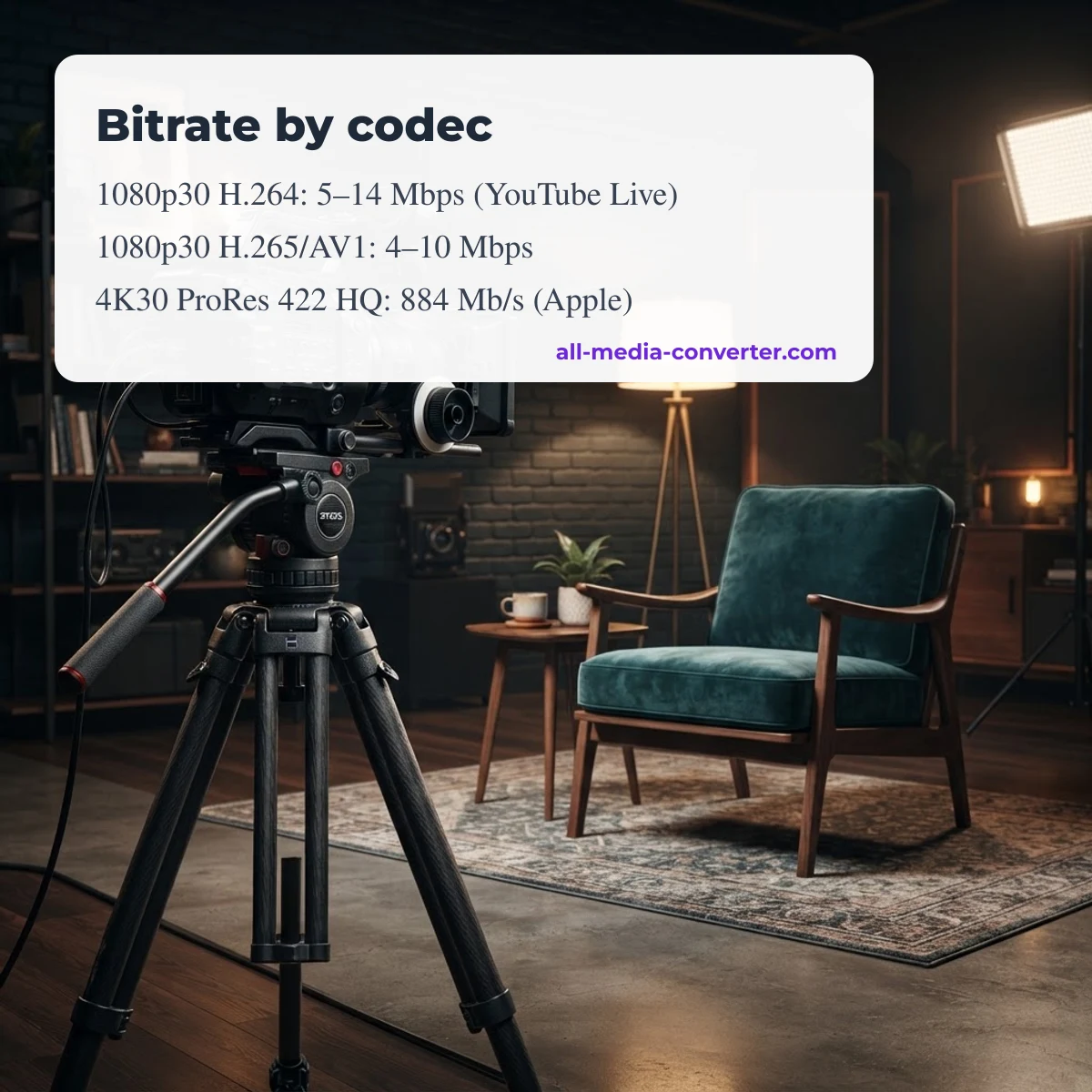
Ranges are minimum to recommended bitrates from the YouTube Help article «Choose live encoder settings, bitrates, and resolutions», checked October 9, 2026. At every resolution YouTube asks for less bitrate with H.265 or AV1 than with H.264, which matches the design goal of HEVC: similar quality at a lower bitrate (Wikipedia: High Efficiency Video Coding). The saving depends on the content and the encoder, so test with your own footage.
ProRes data rates and 4K file sizes
| Codec | 1920 × 1080, 30p (Mb/s) | 3840 × 2160, 30p (Mb/s) | 4K 30p per hour |
|---|---|---|---|
| ProRes 422 Proxy | 45 | 182 | 82 GB |
| ProRes 422 LT | 102 | 410 | 184 GB |
| ProRes 422 | 147 | 589 | 265 GB |
| ProRes 422 HQ | 220 | 884 | 398 GB |
| ProRes 4444 (no alpha) | 330 | 1,326 | 597 GB |
| ProRes 4444 XQ (no alpha) | 495 | 1,989 | 895 GB |
Target data rates from the Apple ProRes White Paper (April 2022, 29.97 fps «30p» rows); the per-hour column is our arithmetic, decimal GB. ProRes is an editing codec: an hour of 4K ProRes 422 HQ needs about 398 GB, which is why it is used for editing and mastering rather than delivery.
Audio bitrate calculator
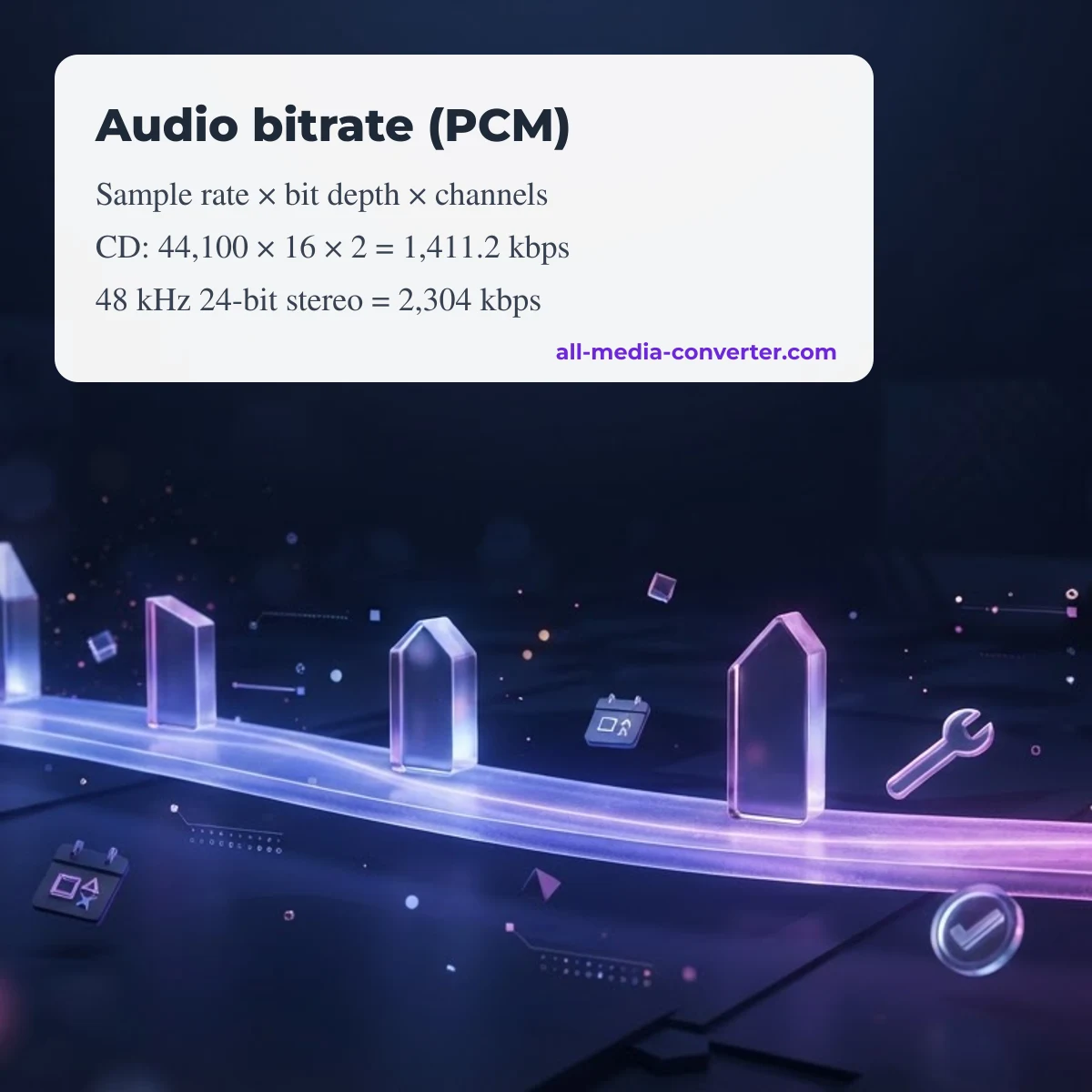
Uncompressed PCM audio bitrate = sample rate × bit depth × channels (Wikipedia: PCM). CD audio is 44,100 × 16 × 2 = 1,411.2 kbps; a 48 kHz, 24-bit stereo track is 2,304 kbps, about 1 GB per hour. Compressed formats use a fixed or average bitrate instead: YouTube's live encoder page recommends 128 kbps for stereo and 384 kbps for 5.1. Switch the calculator's audio box to PCM to see the exact figure for your settings.
More calculators
For any bitrate and duration, use the Video file size & bitrate calculator, which also works backwards from a size limit.
Share your result or suggest a fix
Compared these numbers with a real file or stream? Leave a comment with your settings and what you measured. Comments are moderated; approved comments appear with their date. There are no usage counters on this page.
FAQ
Is H.265 smaller than H.264?
Usually, at similar quality. YouTube's live encoder ranges for H.265/AV1 are lower than for H.264 at every resolution, for example 4–10 vs 5–14 Mbps at 1080p 30 fps.
How big is an hour of 4K ProRes?
At 3840 × 2160, 30p, ProRes 422 HQ runs about 884 Mb/s per Apple, roughly 398 GB per hour; ProRes 422 is about 265 GB per hour.
How do I calculate audio bitrate?
For uncompressed PCM, multiply sample rate × bit depth × channels: 48,000 × 24 × 2 = 2,304,000 bit/s = 2,304 kbps.
Are these exact file sizes?
They are planning figures for a constant bitrate; real files vary with content, variable bitrate and container overhead.
Updated October 13, 2026 · All Media Converter editorial team
Was this page helpful?
Your vote helps us decide which tutorials to update first.
Thanks for your feedback!