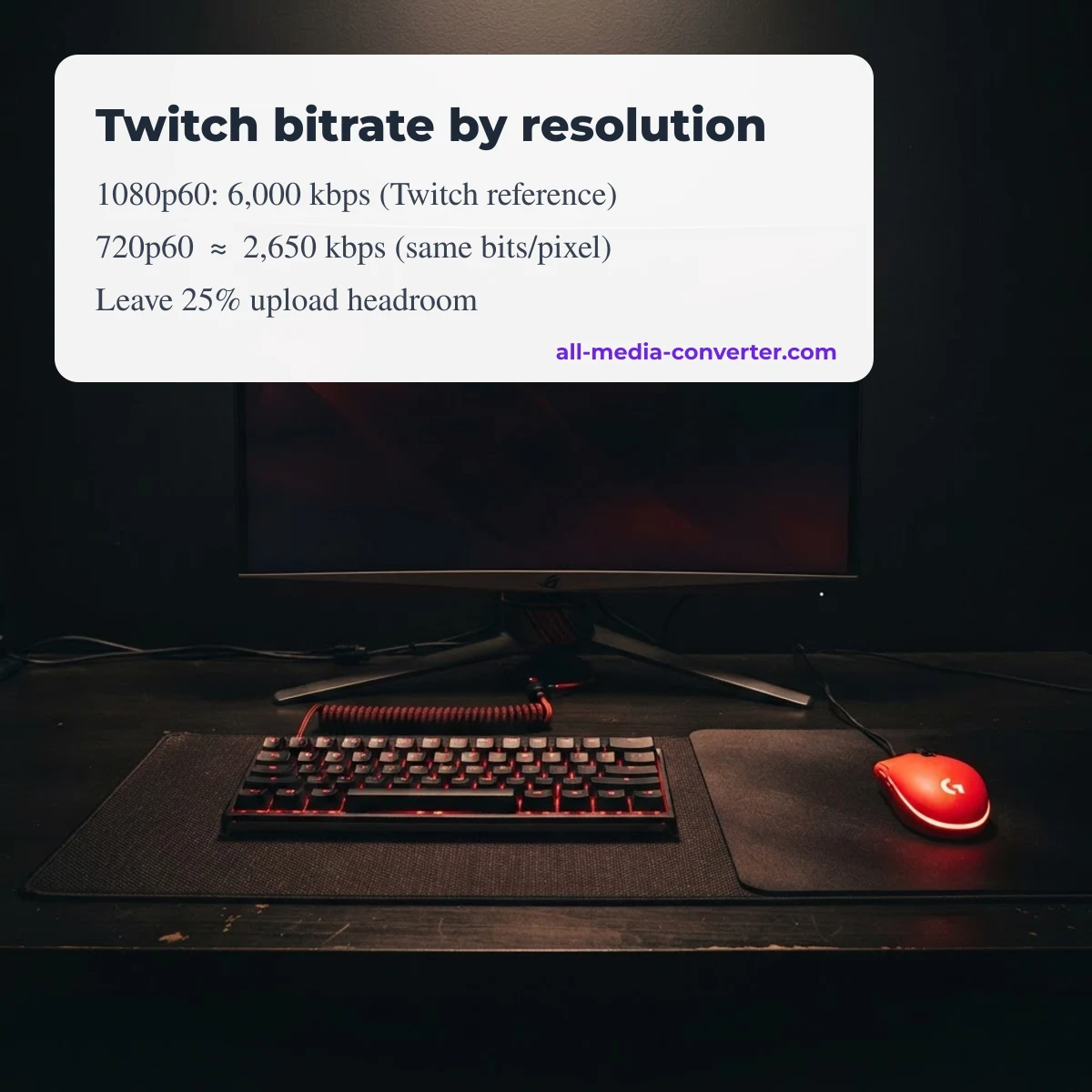
A Twitch bitrate calculator suggests the OBS video bitrate for your resolution and frame rate. It starts from Twitch’s reference of 6,000 kbps for 1080p at 60 fps, keeps the same bits per pixel for other settings, checks the result against your upload speed and estimates the VOD size.
Runs entirely in your browser; nothing you type is sent to our server. MB and GB are decimal.
Suggested Twitch bitrate by resolution
| Resolution | fps | Same bits per pixel as 1080p60 at 6,000 kbps |
|---|---|---|
| 1080p | 60 | 6,000 kbps |
| 1080p | 30 | 3,000 kbps |
| 900p | 60 | 4,150 kbps |
| 900p | 30 | 2,100 kbps |
| 720p | 60 | 2,650 kbps |
| 720p | 30 | 1,350 kbps |
| 480p | 60 | 1,200 kbps |
| 480p | 30 | 600 kbps |
Only the 1080p 60 fps row is Twitch's own figure (Twitch Help article «Broadcasting Guidelines», checked October 9, 2026). The other rows are our arithmetic: they keep the same number of bits for every pixel of every frame, which is a starting point, not a Twitch rule. Fast games with lots of motion may need more; slow scenes can use less.
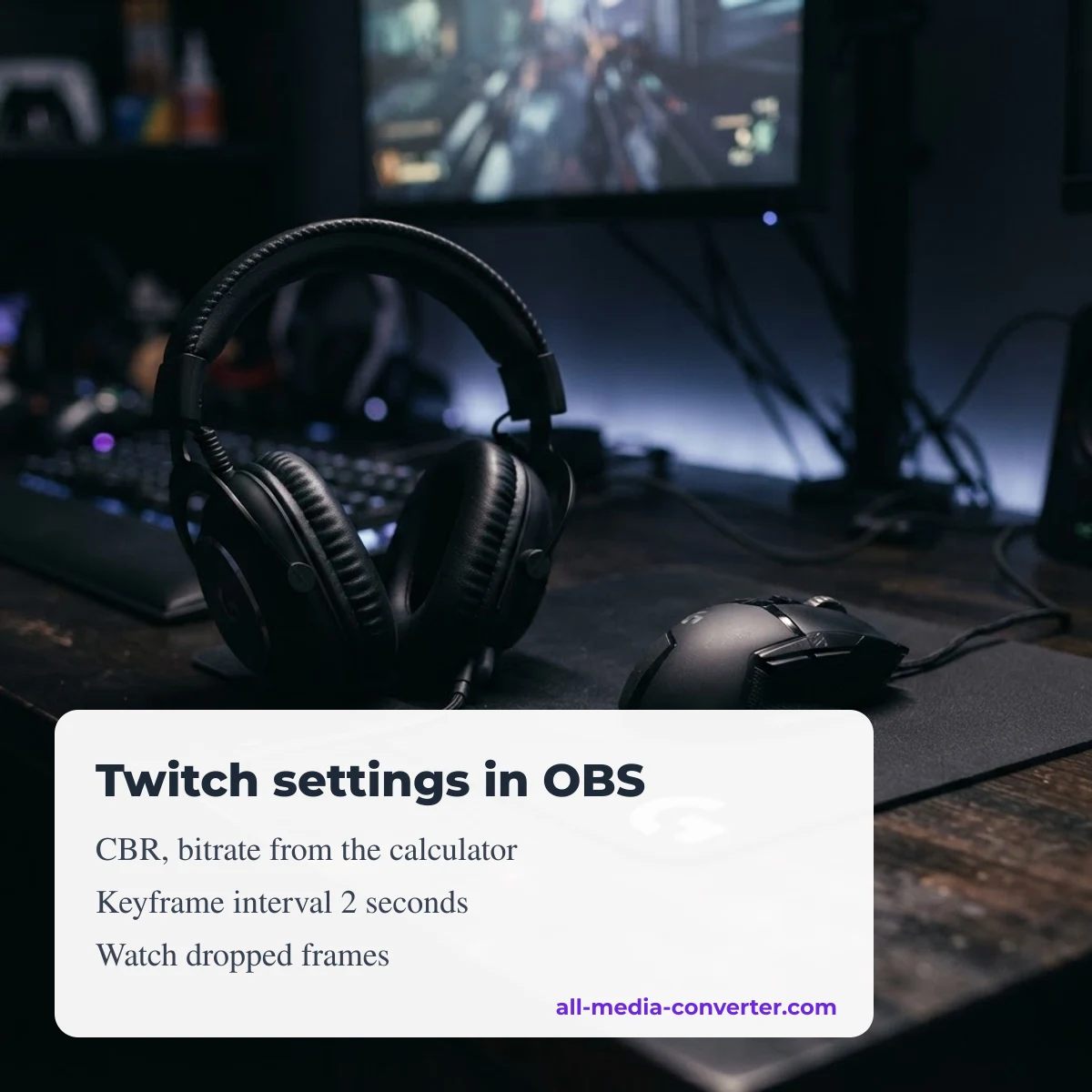
Twitch settings in OBS
- Settings › Output › Streaming: rate control CBR, bitrate from the calculator in kbps.
- Keyframe interval: 2 seconds (Twitch's reference setting).
- Settings › Video: output resolution and FPS matching the row you chose.
- Run a test stream and check dropped frames; if they rise, lower the bitrate or drop to 720p.
Is my upload fast enough?
The calculator compares video + audio with 75% of the upload speed you enter, leaving 25% headroom for the ups and downs of a home connection. The headroom is our rule of thumb; the streaming bitrate calculator lets you choose your own margin and compare with YouTube Live settings too.
Share your result or suggest a fix
Compared these numbers with a real file or stream? Leave a comment with your settings and what you measured. Comments are moderated; approved comments appear with their date. There are no usage counters on this page.
FAQ
What is the best bitrate for Twitch at 1080p 60 fps?
Twitch's reference is 6,000 kbps with a 2-second keyframe interval; make sure your upload has headroom above that.
What bitrate for 720p 60 fps on Twitch?
Keeping the same bits per pixel as Twitch's 1080p60 reference gives about 2,650 kbps; many streamers go higher for fast games. Test and watch dropped frames.
How big is a Twitch VOD?
Total bitrate × seconds ÷ 8: one hour at 6,000 + 160 kbps is about 2.77 GB.
Does this page connect to Twitch?
No. It only calculates in your browser.
Updated October 14, 2026 · All Media Converter editorial team
Was this page helpful?
Your vote helps us decide which tutorials to update first.
Thanks for your feedback!